Keep the environment you trust
Your code stays on the machine where it runs. Agent credentials, shells and project tools remain there too.
Self-hosted Denshin
Run beside your code and credentials. Keep the terminal on infrastructure you control.
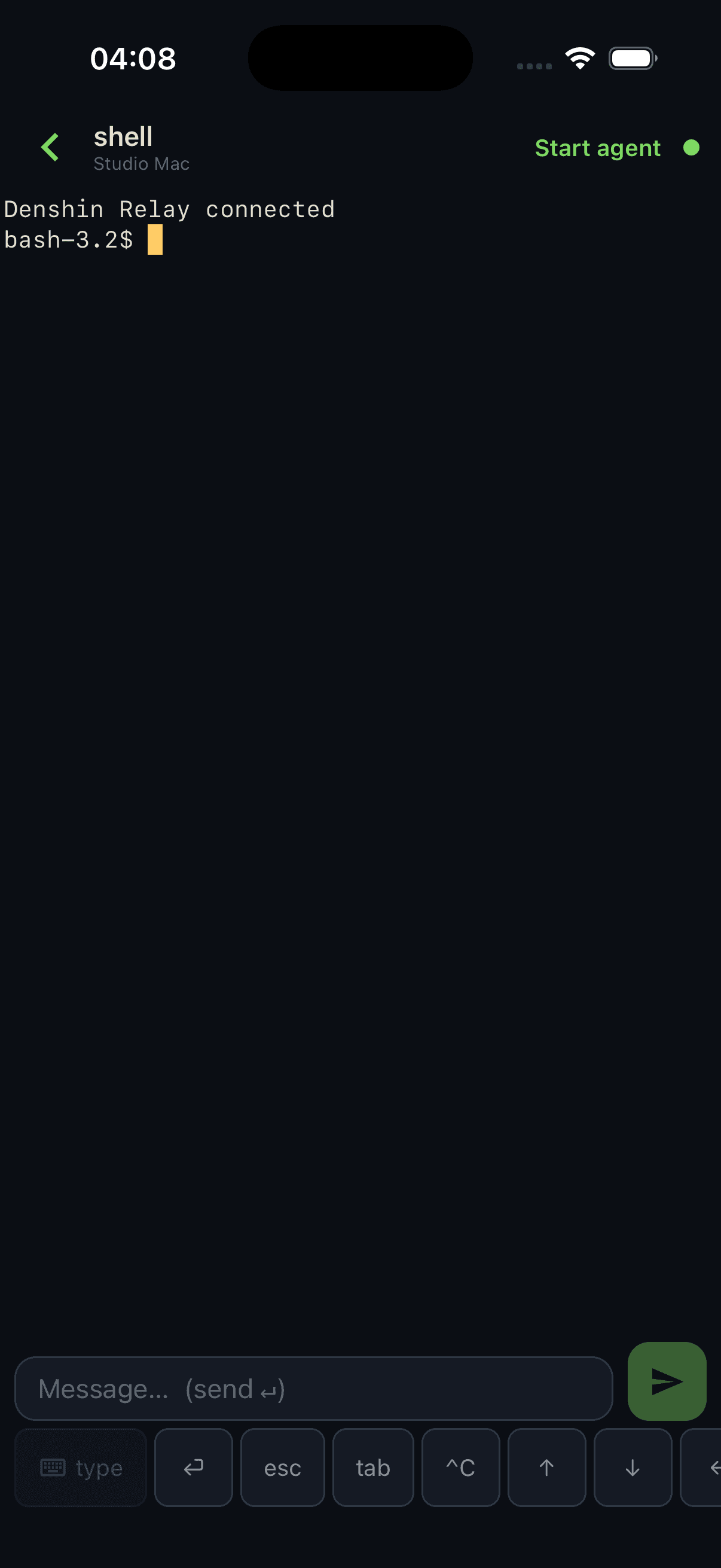
Denshin adds a durable daemon and a mobile control surface. It does not copy your repository into a hosted workspace.
Your code stays on the machine where it runs. Agent credentials, shells and project tools remain there too.
Install starts nothing. Denshin explains OS-user authority before the first run; an optional launchd or systemd service keeps durable tmux sessions available afterward.
Versioned releases, mandatory checksums and an atomic current pointer keep the previous host release intact until the new one is ready.
Connections use HTTPS/WSS or private Tailscale. A stable TLS origin remains available when a private network is not the right fit.
The public host runtime and TestFlight app follow the same tested installation contract.
Owning the machine does not make every network path or device trusted. Enrollment and application authority remain explicit.