How it works
From your machine to your pocket.
Install beside your tools. Pair one device. Return to the same sessions from your phone.
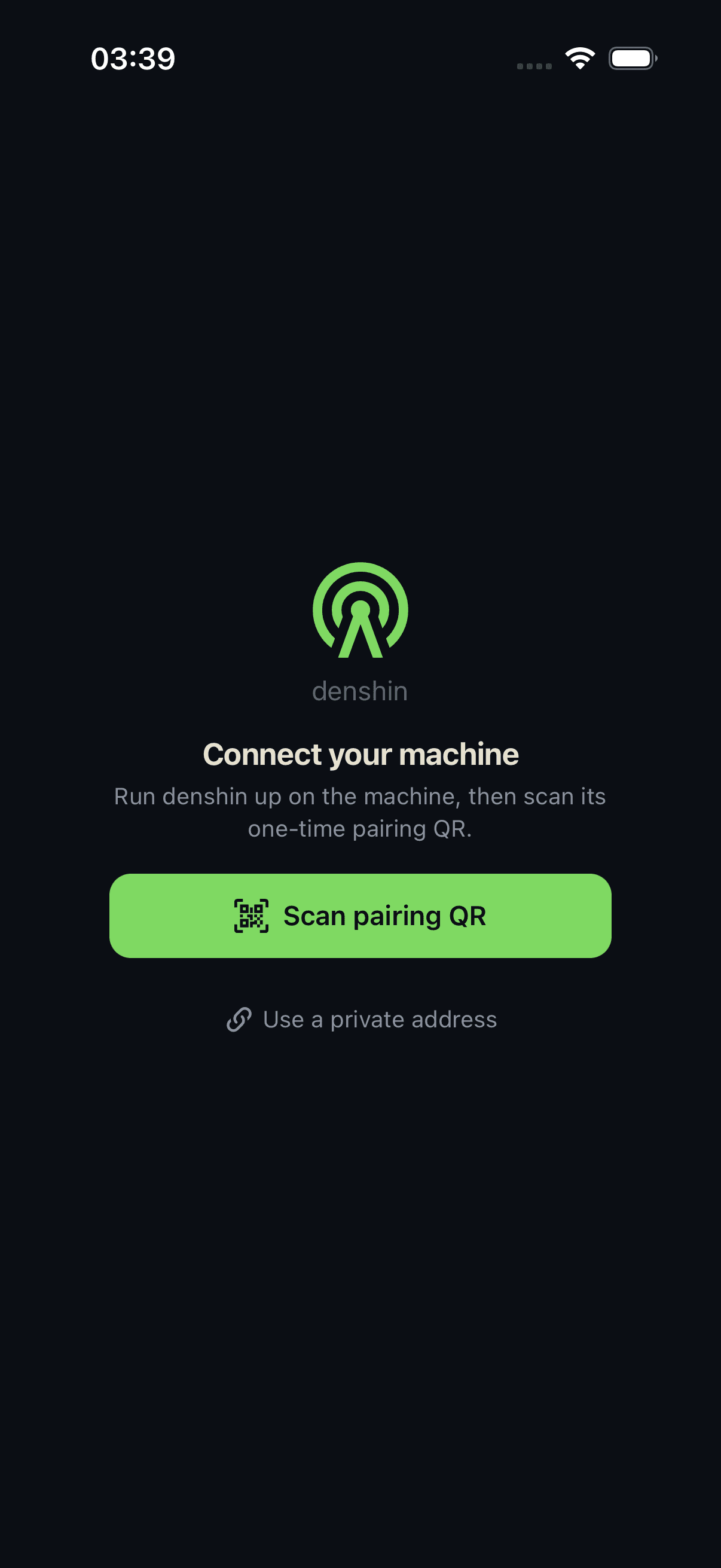
Install once. Keep your environment.
The daemon runs with your shells, repositories and agent credentials. Your project does not move into a new workspace.
- Install the CLIStart a supervised user service on macOS or Linux.
- Scan the QRPin the machine and consume one short-lived enrollment secret.
- Open a sessionResume terminal state and structured agent context through the same client.
Pair a device, not a URL.
The QR establishes which machine you trust before the phone receives its revocable credential.
ScanShort-lived QR
PinMachine identity
ExchangeOne-time auth
EnrollRevocable device
A verified connection carries the session.
Authorization and resume live above the network path. Product screens do not branch on transport.
Mobile productFleet, terminal, agents, decisions
Authenticated Machine APIMachineId, bearer, resume, policy
HTTPS/WSSAvailable now
Private TailscaleAvailable now
Denshin Relay · IrohRelease candidate
Your machinedenshind, PTY, agents and credentials
The trust boundary stays visible.
Enrolled deviceDevice credential
HTTPS/WSS or private TailscaledenshindOn your machine
Local PTYTerminal plaintext