The super app for agentic engineers
One engineer. An army of agents.
We’re building a workspace that makes every session a pleasure to use, connects your agents, and carries your work across accounts, tools and devices.
Why Denshin
Every session. The whole team.
We want a single session to be a beautiful, clear place to work, and many sessions to form a team. Each keeps its own conversation. When an account runs out, Denshin already carries that thread to another of your accounts. The aim is for it to continue when agents or devices change too. You choose the tools and the direction.
Why Denshin existsWhere we’re going
What we’re building towards.
A clear workspace for every session.
The goal: a beautiful, readable interface for each independent session. Work with one agent, or bring a whole team.
One thread, even when things change.
Today, when one of your accounts runs out, the session goes on with another, in the same conversation. Next: the same thread when Claude gives way to Codex, or when you change devices.
Independent sessions. A connected team.
We want agents and sessions to talk, ask for help and coordinate around shared projects, while each keeps its own thread.
A good place for one session. The power of a team when you need it. Your tools, throughout.
Explore the vision and the app todayToday
Today: one Mac app.
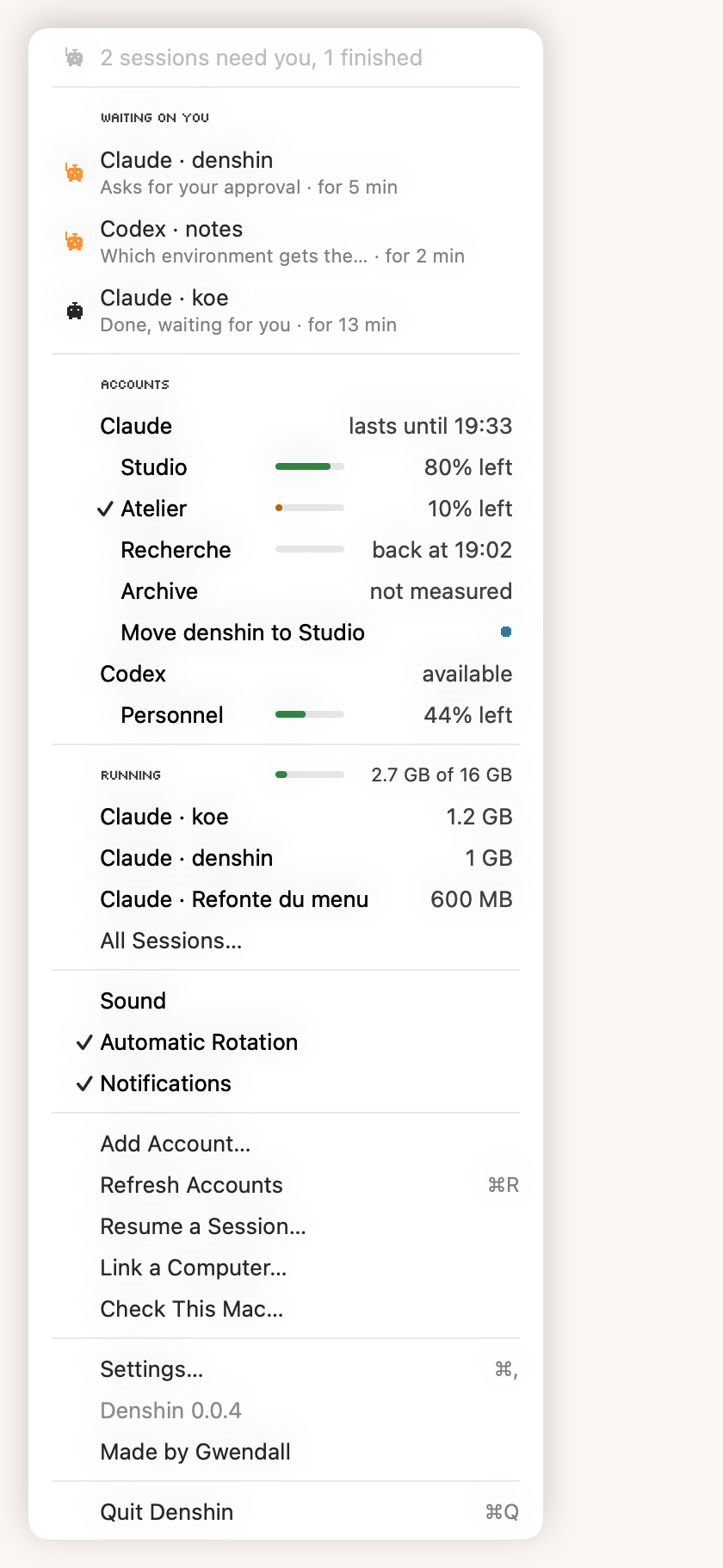
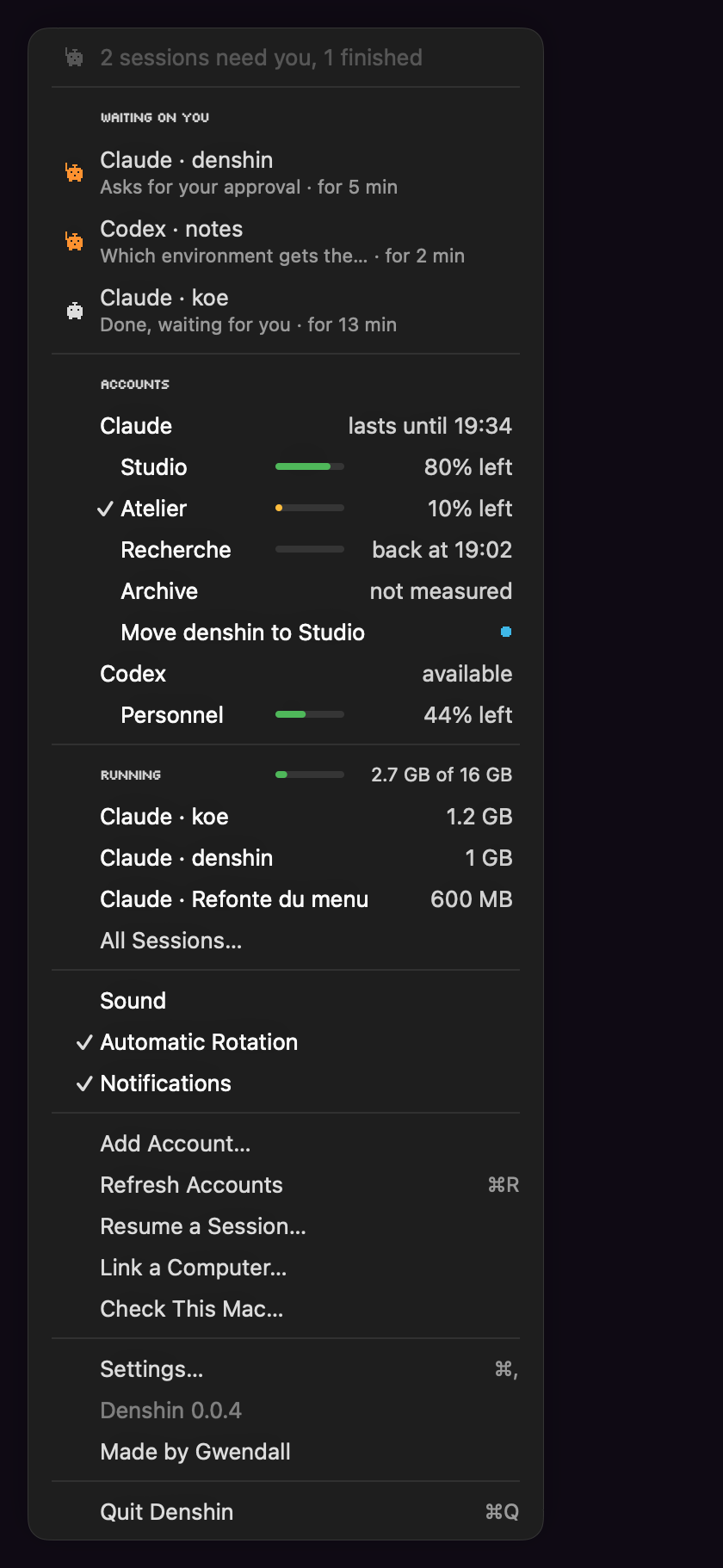
Open your sessions, follow their conversations and terminals, and see which one needs you. When an account runs out, its sessions continue on another of your accounts. Sessions, Accounts and Settings sit together in one Mac app; the menu bar keeps a quick overview of activity and attention.
One session or an army: that is the vision. Today’s Mac app brings Sessions, Accounts and Settings together.
What’s available todayDownload
Download Denshin for Mac
Denshin for Mac: your sessions and accounts, together. Start with the agents and accounts you already use.
Download for MacOr, in Terminal:
curl -fsSL https://denshin.dev | shThis command installs the same app. It checks that the developer signed it and Apple notarized it, puts it in Applications and opens it. Run it again to update.
Open it. Find your bearings.
Sessions, Accounts and Settings share one window; Den stays in the menu bar for a quick overview. The welcome screens guide you through what your Mac needs. Denshin then keeps itself up to date.
For a Mac with Apple silicon and macOS 12 or later. Intel Macs are not supported.
Bring your existing tools.
Keep the provider CLIs you use, such as Claude Code and Codex, installed and signed in. Denshin works alongside them and their accounts. Their subscriptions, usage limits and terms remain theirs. Add your other accounts in Accounts, and a session continues on another when one runs out.
Denshin is proprietary software. The official download is for personal or internal business use under its software terms. Third-party components keep their own licenses.
FAQ